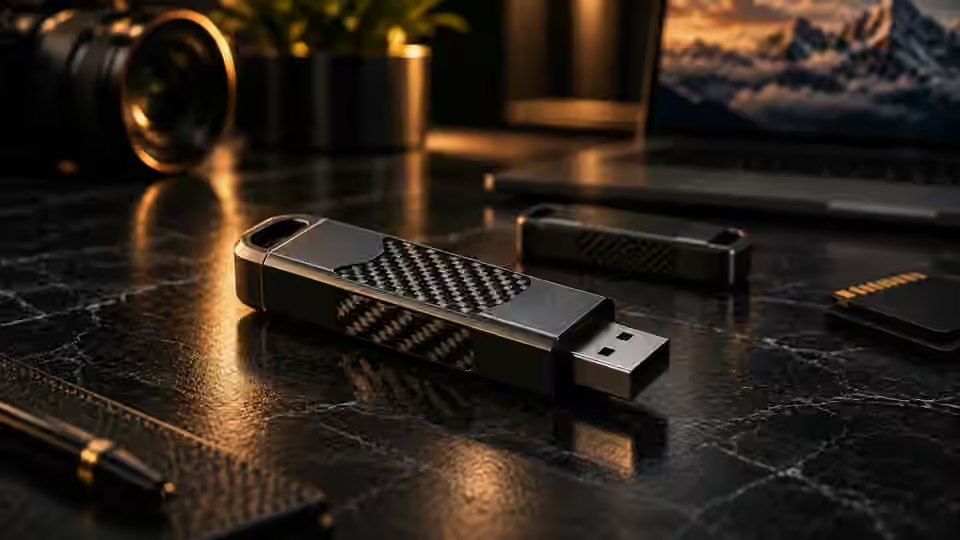
USB flash drivesDeletion · formatting · file-system damage
01
Book a free appointment for remote diagnosis on Windows or Mac. Pay USD25 immediately before diagnosis begins. If you proceed with recovery, the full USD25 is credited toward the final recovery fee.
We first determine where the device is detected. Only when remote software recovery is appropriate do we explain the next step and cost.
Photos, video, work files, and project data can live anywhere. We begin with storage that can be safely accessed from Windows or macOS.
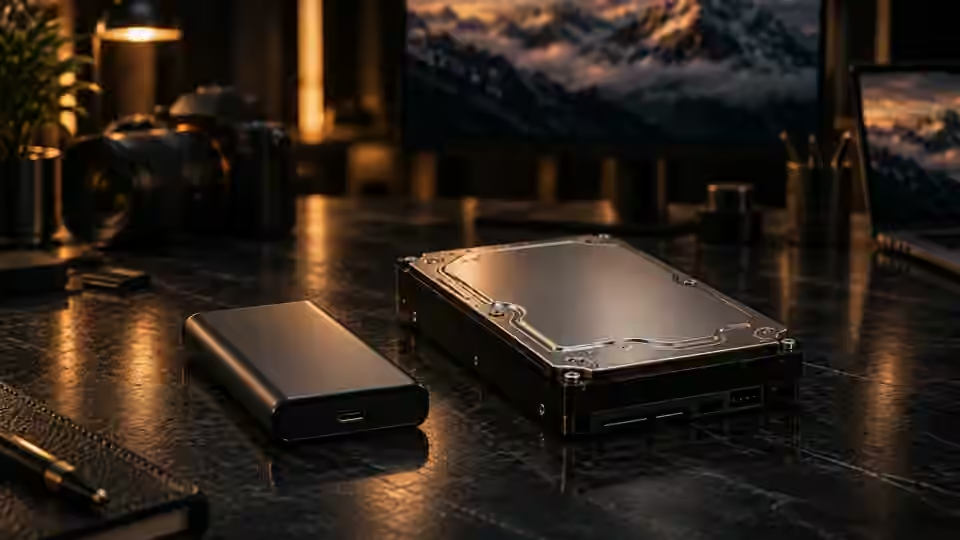
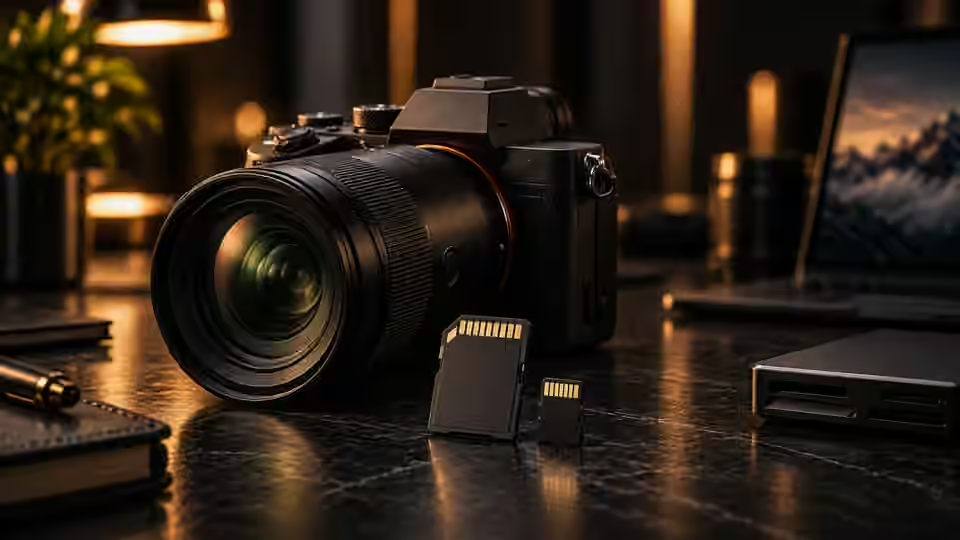
Choose the closest symptom and we’ll show the likely remote-inspection path.
We’ll show the likely remote-inspection path and next step.
Book inspectionBook for free, then pay USD25 before the remote inspection begins.
We determine whether the problem is logical, remotely recoverable, or likely physical.
If feasible, we explain the method and final price first. If you proceed, the full $25 is credited.
If the device remains undetected at the device level after reasonable checks, or remote software recovery is not appropriate, the case ends and the $25 covers the diagnostic inspection.
We explain the recovery method and fee first. If you approve the work, the full $25 already paid is credited toward the final recovery fee.
Recovery fees vary mainly with the time and complexity required. A straightforward 16 GB USB flash-drive recovery is typically expected to be under $100, depending on the device condition and work required.
We keep pricing straightforward and fair. You’ll see the recovery price before any paid recovery work begins.
Remote access is limited to storage diagnosis and recovery work you approve on Windows or macOS. You can watch the session and disconnect at any time.
We avoid formatting, initialization, CHKDSK, and other source-changing actions by default.
Recovered files should be saved to another storage device, not back to the affected source.
Clicking, water, impact, unstable power, or severe disconnects can require physical recovery instead.
Booking is free, so canceling an unpaid appointment has no payment or cancellation fee. Use the link in your confirmation email, preferably at least 2 days ahead. If you have already paid, the refund policy applies; canceling the appointment does not automatically issue a refund.
You do not need a website account to book. Have a Windows PC or Mac, a stable internet connection, and a separate drive with enough free space for recovered files. Stop using the affected drive; do not format it or install recovery tools on it. Check your confirmation email and spam folder for the appointment and Google Meet link. If the drive clicks, smells burnt, or has water damage, stop powering it and seek physical recovery advice.
Monday–Friday, 9 AM–midnight New York time. The calendar shows available appointments in your selected time zone.
No. Even if it is not visible in Explorer, it may still be a remote-recovery candidate if Windows can detect the device in Disk Management, Device Manager, BIOS/UEFI, or another device-level interface.
If remote recovery is possible and you proceed with recovery, the full $25 is credited toward the final recovery fee.
No. Results depend on overwriting, encryption, SSD TRIM, file-system condition, physical damage, and other factors.
We may see what is displayed in the screen or session you share. Close unrelated files and private applications first. Access is limited to diagnosis and recovery work you approve; you can watch and disconnect at any time. Never share passwords or card details in the session.
We do not provide physical lab recovery. If physical damage is suspected, remote work is stopped.
Start with a $25 remote inspection. Proceed only if the case is suitable for remote recovery.